GST invoices
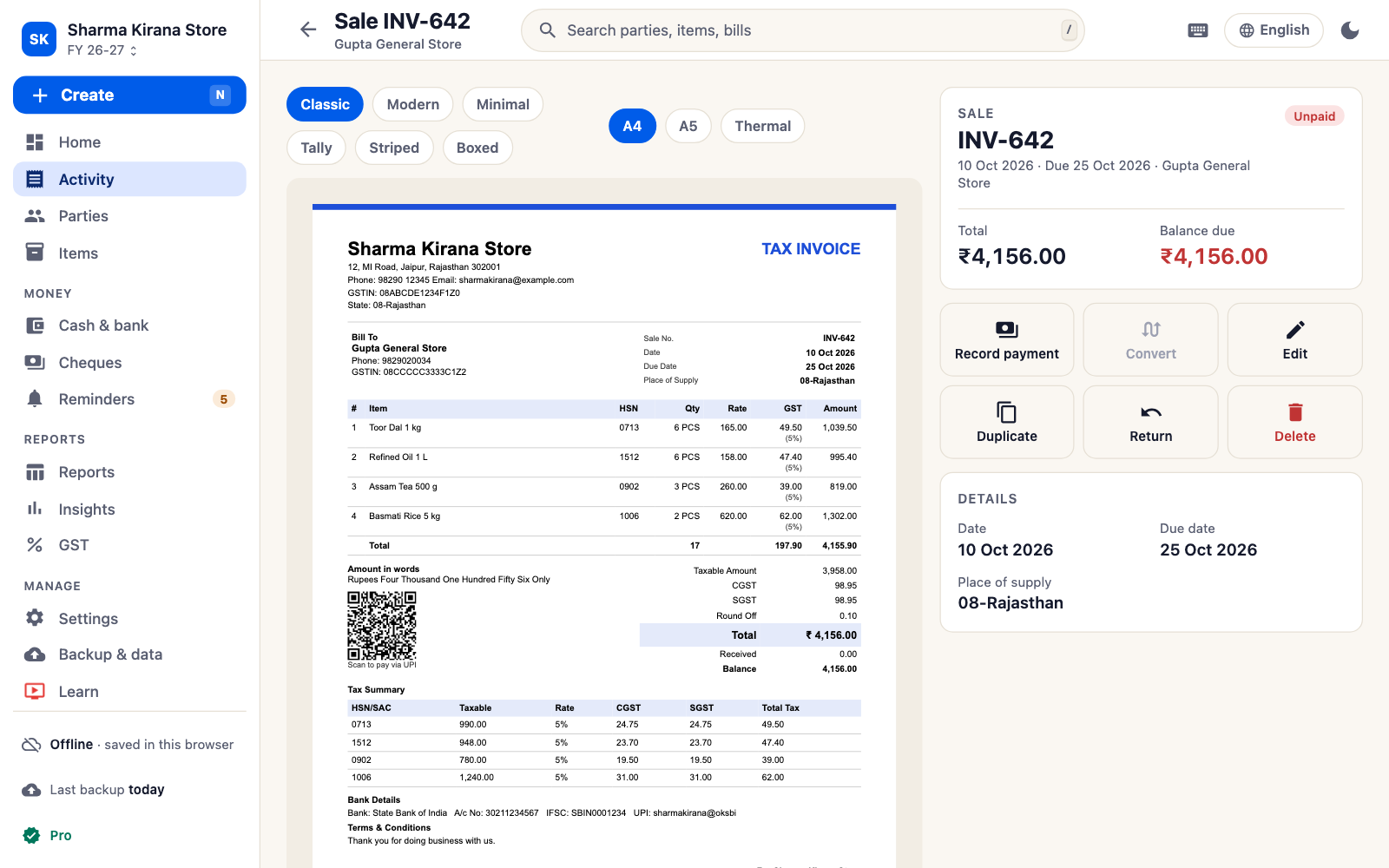
Sale invoices, purchase bills, estimates, orders, challans and returns. CGST + SGST or IGST is picked from the customer's state.
The same SahiBill, on a big screen with a keyboard. Open it in Chrome or Edge on Windows, Mac or Linux: there is nothing to download or install.
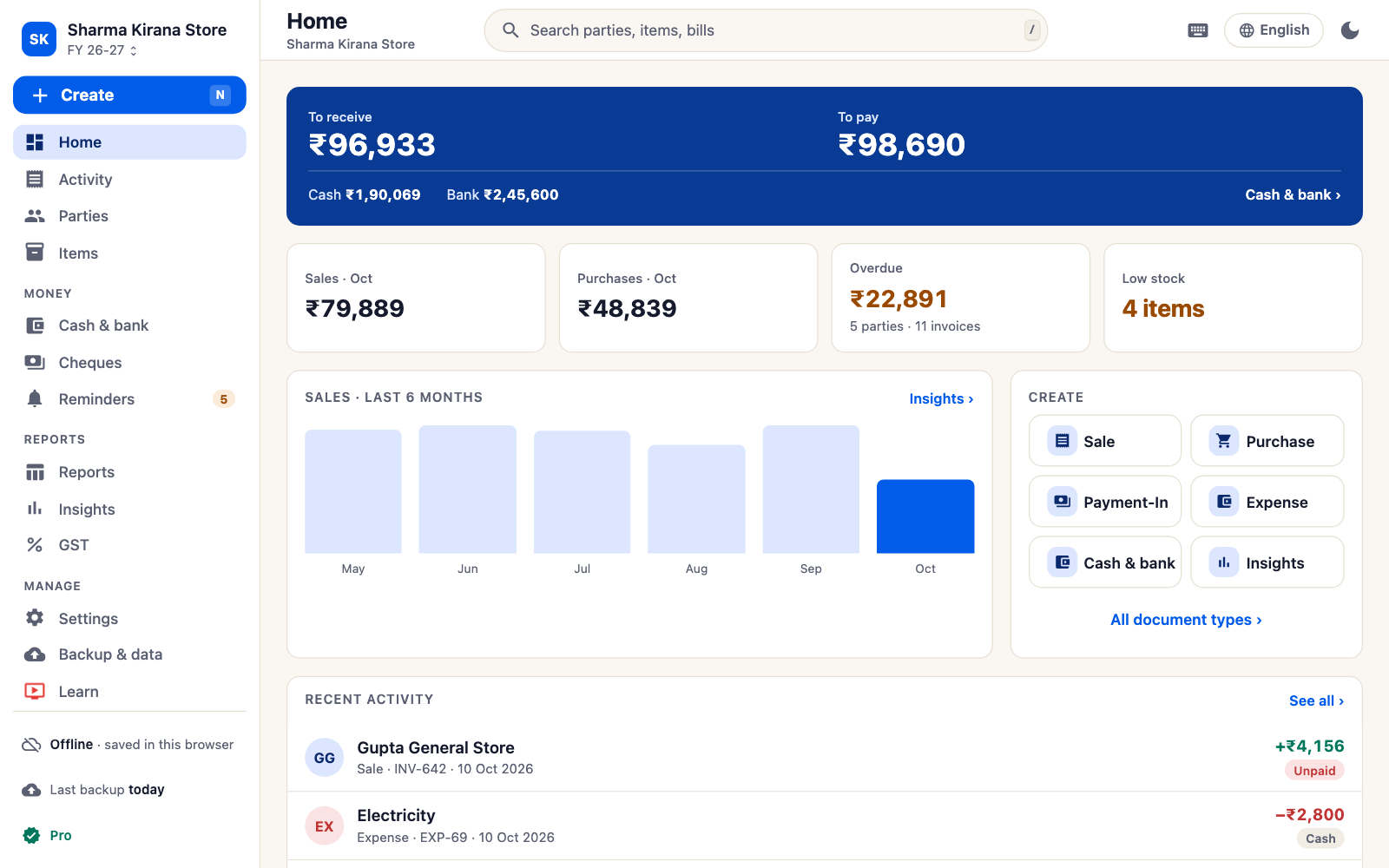
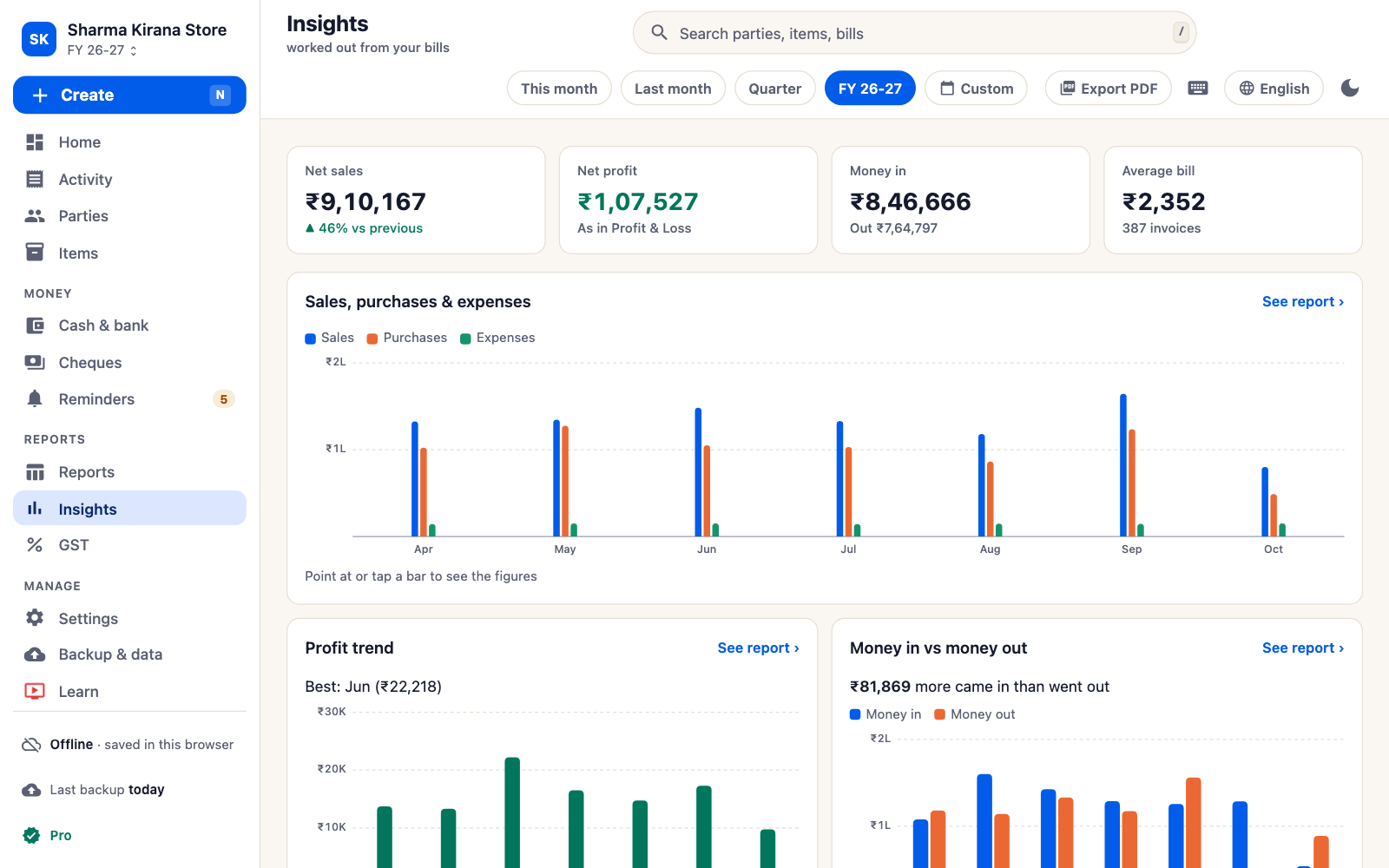
To receive, to pay, cash and bank, and the month so far, on one screen.
Sale invoices, purchase bills, estimates, orders, challans and returns. CGST + SGST or IGST is picked from the customer's state.
A4 or A5 invoices with your logo, signature and UPI QR on any printer, or saved as PDF. Thermal receipts too.
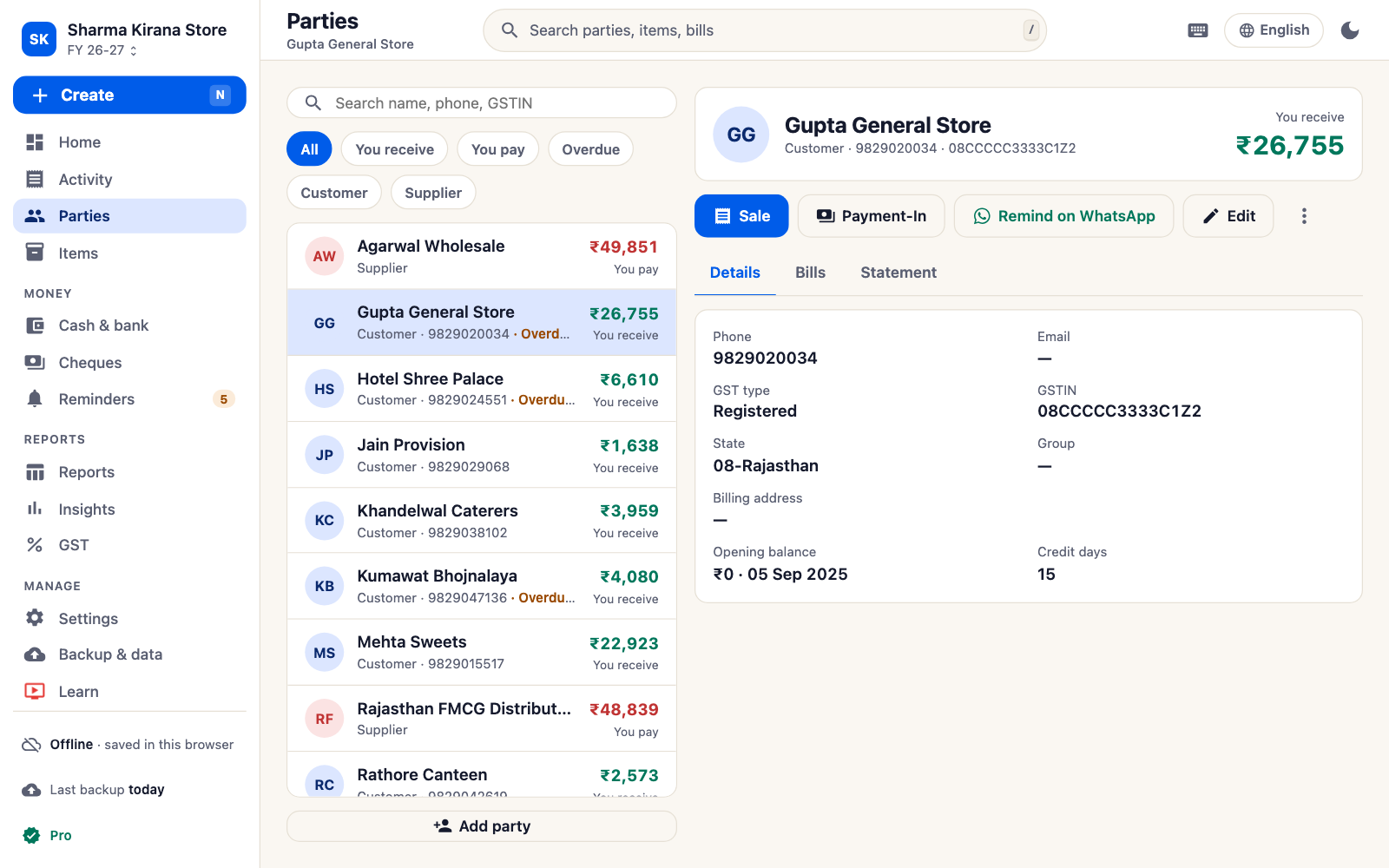
Every bill updates your stock and each customer's and supplier's balance, with statements and reminders.
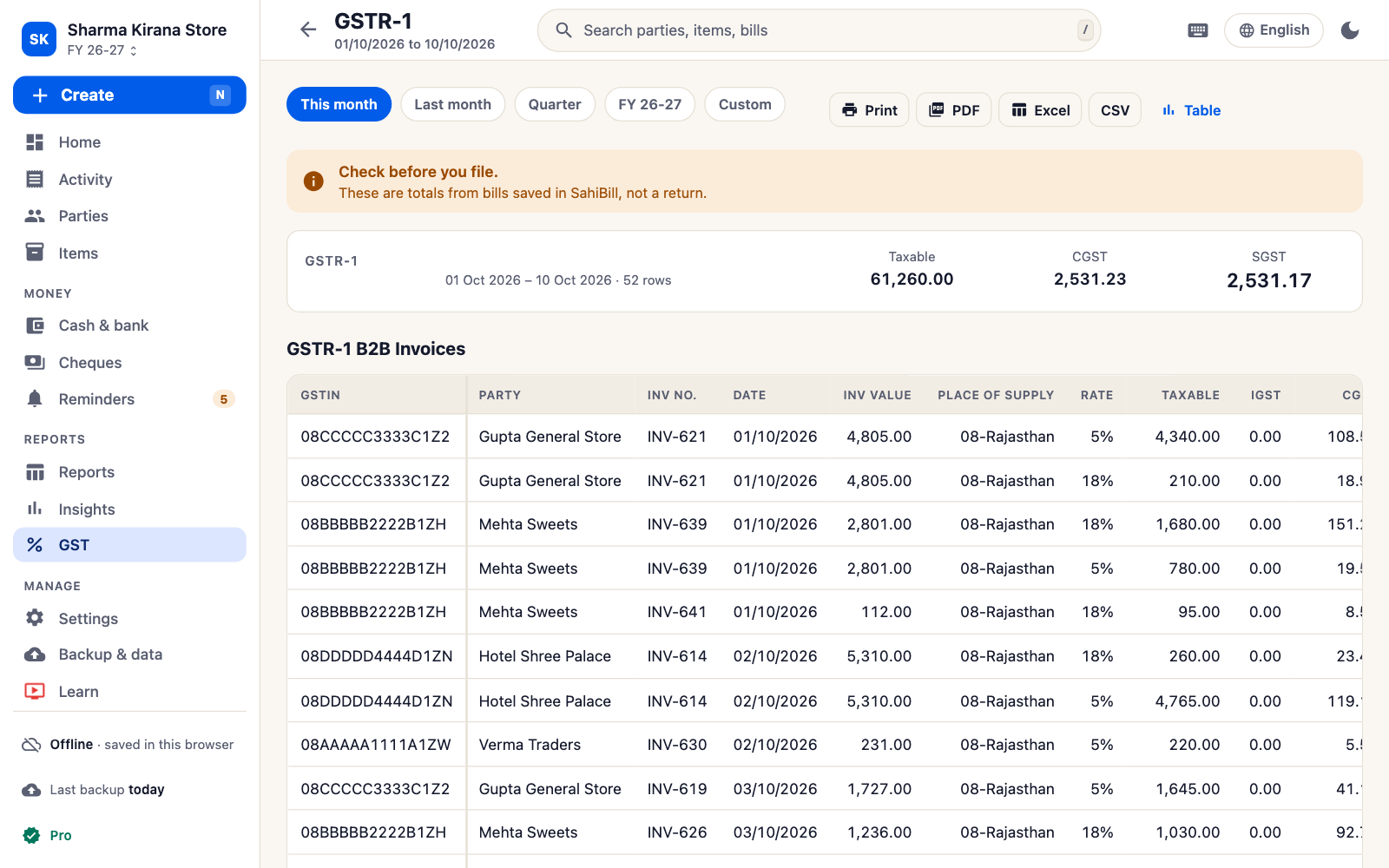
GSTR-1, GSTR-3B, HSN summary, profit & loss, day book and registers, as PDF or Excel.
Once the web app has opened, it keeps working without internet. Install it from the browser to open it like any program.
Enter a long bill or a full price list with a keyboard, and bring parties and items in from an Excel or CSV sheet.
Go to www.sahibillbook.in/app in Chrome or Edge and pick your language.
Name, GSTIN, logo, signature and UPI ID. Or restore a backup from your phone and carry on from there.
Add the customer and items, then print it or save the PDF.
The Android app and the web app read each other's backup files. Back up on the phone, restore on the computer, and your books continue there; do the same in the other direction to go back. The two do not sync by themselves, so use one at a time and move the backup when you switch.
On a computer, your books are kept by the browser you opened SahiBill in. Clearing that browser's site data removes them, and a private or incognito window forgets them when it closes. Back up to a file regularly, from More, then Backup & restore.
Everything is free for 7 days in each browser. After that, SahiBill Pro keeps billing going; without it you can still view, print, share and back up everything you entered. Pro is bought in the Android app through Google Play, and the web app turns it on when you restore a backup from a phone that has Pro. See pricing.
No. SahiBill runs in the browser. If you like, install it from the browser's address bar so it opens in its own window from your desktop or taskbar.
Any Windows, Mac or Linux computer or Chromebook with a current Chrome or Edge. Other browsers open it too, but Bluetooth receipt printing needs Chrome or Edge.
Yes, once the web app has opened on that computer. Bills, stock and reports work offline; sharing needs a connection.
Yes, by moving a backup file between them. They do not sync automatically.
Yes. Chrome and Edge can print straight to a Bluetooth receipt printer; any browser can print the receipt through its print dialog. See thermal printer billing.
No. SahiBill is an independent app from Auspo Apps. It does not file returns or connect to the GST portal.
No ads. Nothing to install.